Implementing Secure messages through Notifications
Timeline: July 2021 - June 2022
Impact after 1 year of launch
• 30% of Health Buddy users adopted Notifications from SMS
• $600k/year SMS cost savings for the Organization
Background
With the recent rise in scams and phishing links sent through SMS, SingHealth aims to leverage on Health Buddy as a platform to send appointment-related messages to patients in a secure manner.
Through this process, further increase application adoption and save SMS cost for the organization.
As-Is Journey
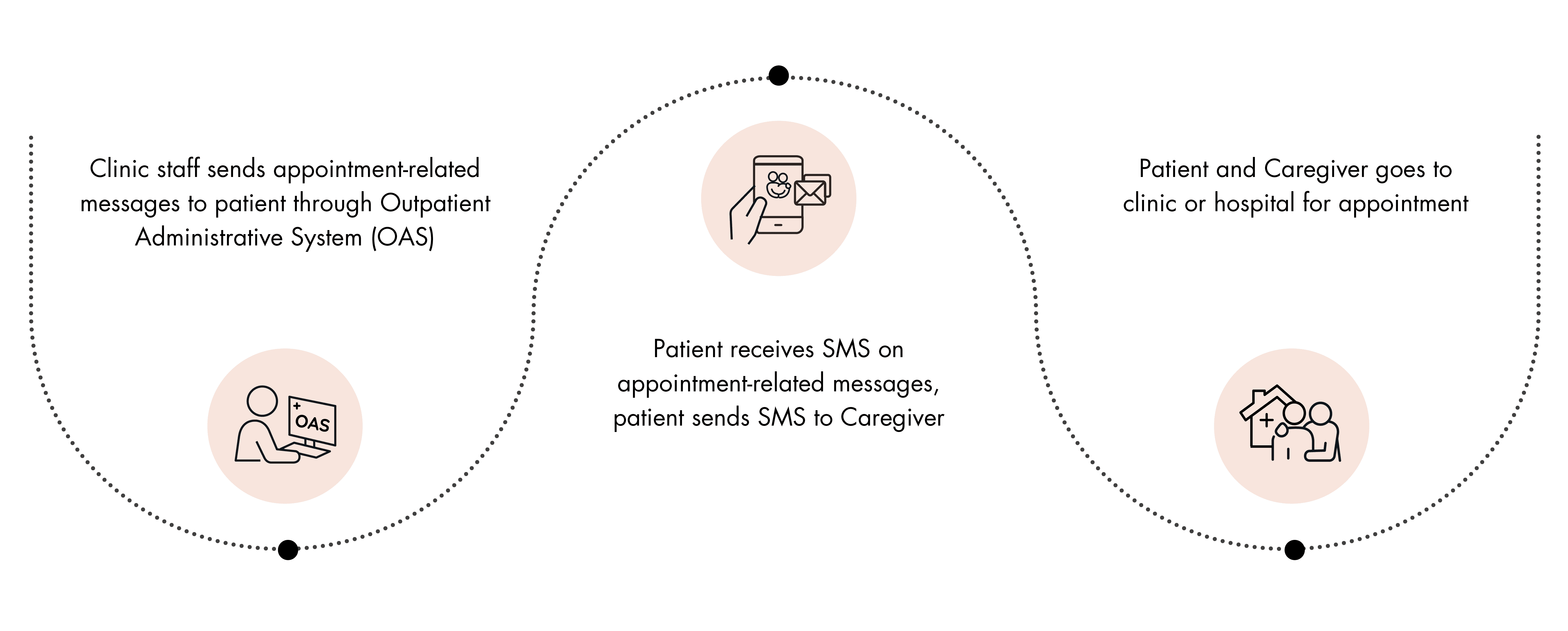
Current limitations when patient receives SMS
Enhancing current Health Buddy Notifications
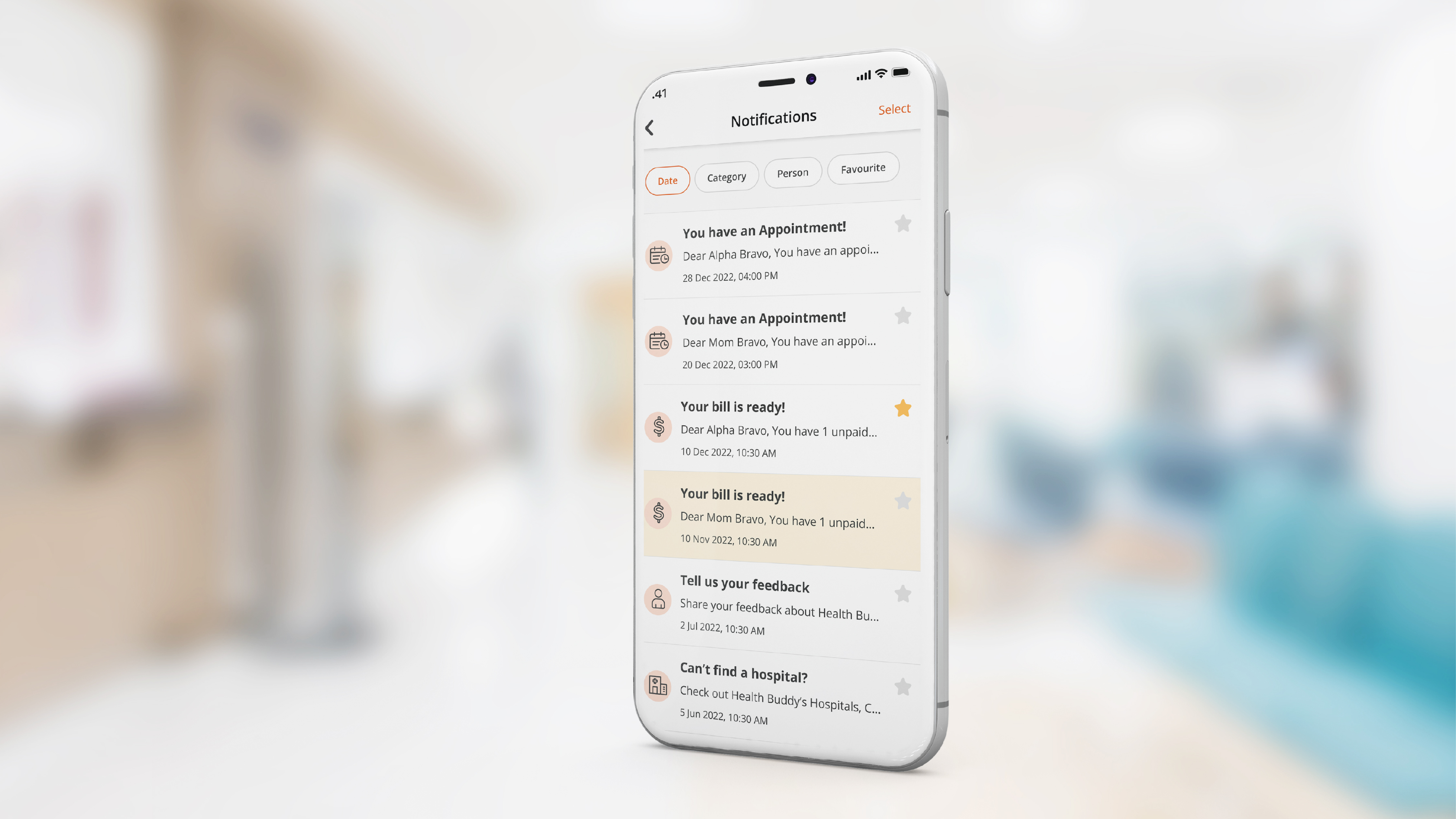
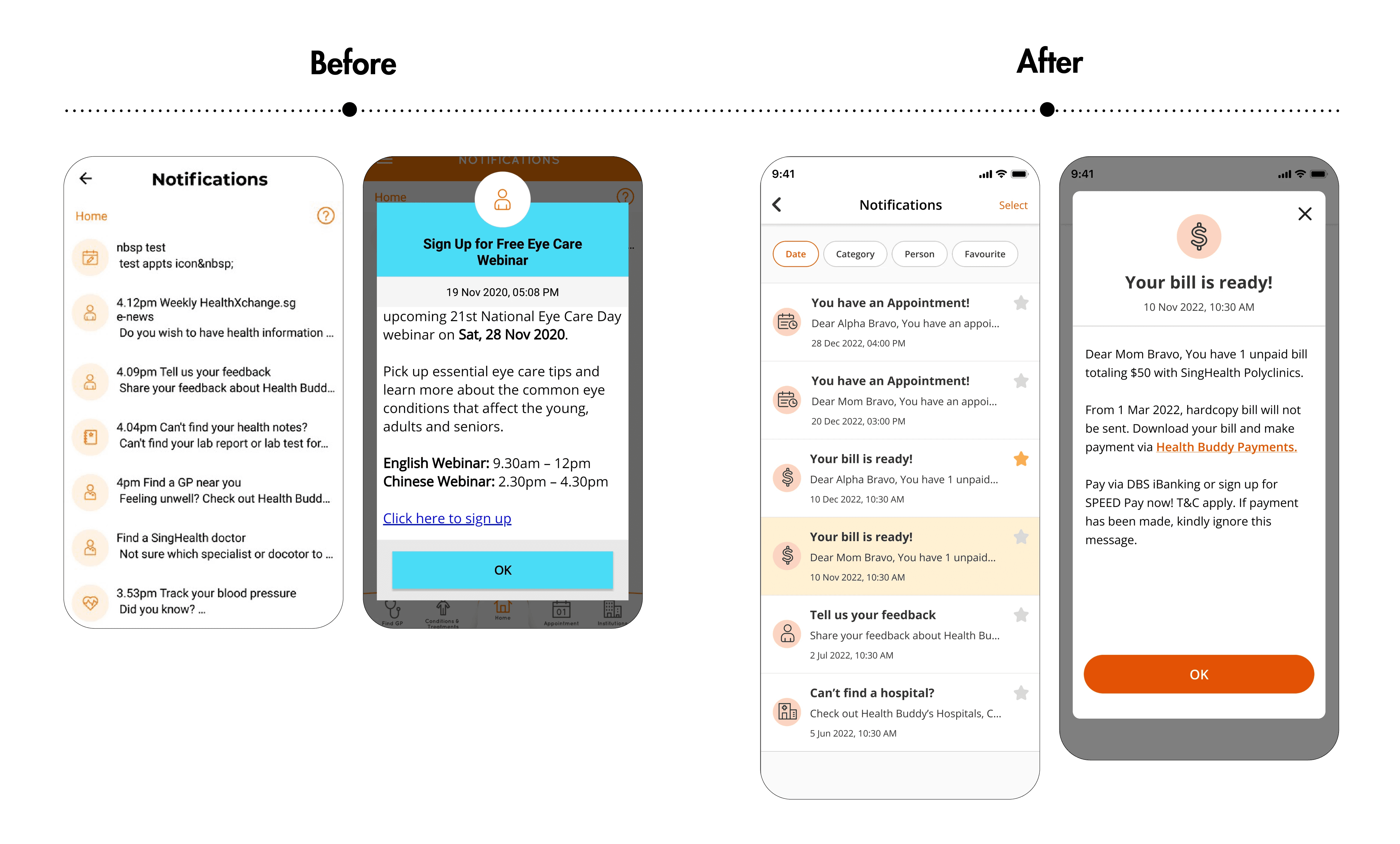
Current Health Buddy notifications consists only of promotional, marketing messages. The enhancement will incorporate Appointment-related messages when users chooses to opt-in to receive notifications instead of SMS.
To-be Journey
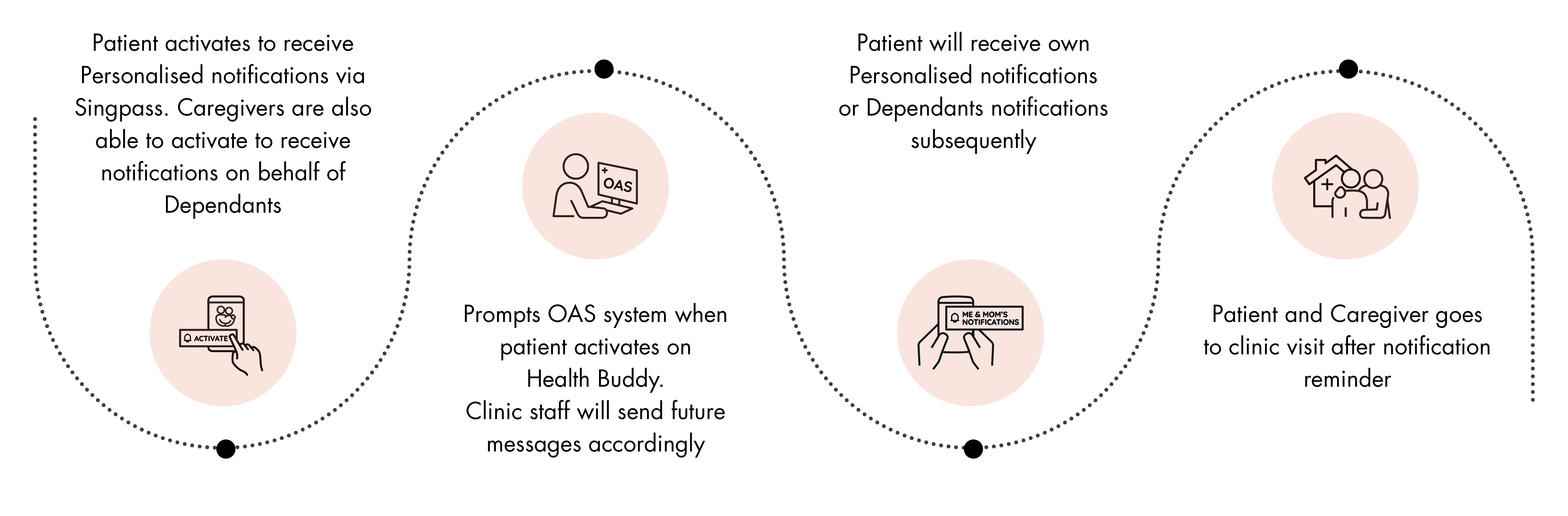
How users can Opt-in Notifications
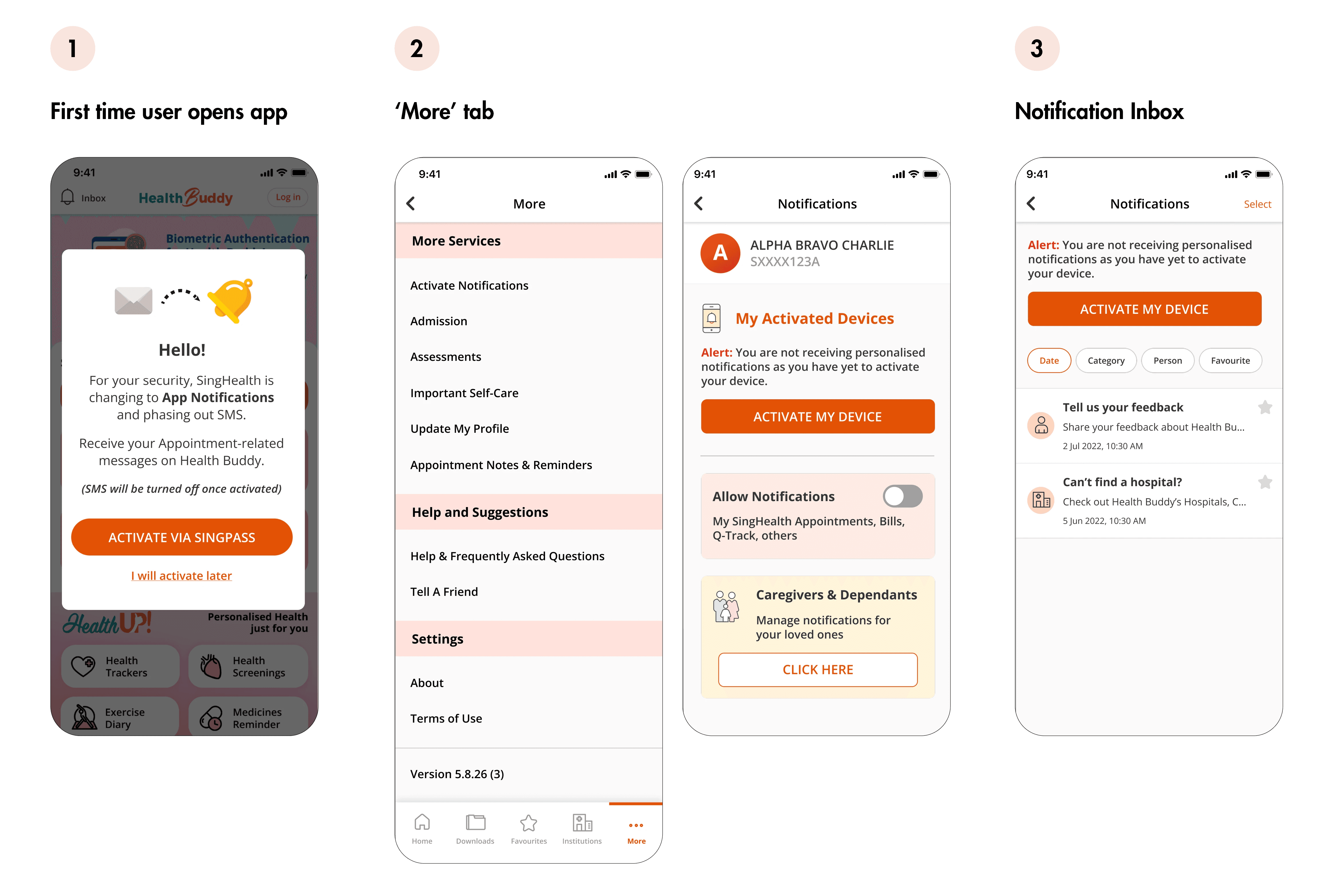
As part of the opt-in process, a pop-up message to activate their device will be shown whenever the users open the application. For users who chose to activate later, they will be able to do so within the 'More' navigation and 'Notification Inbox'.
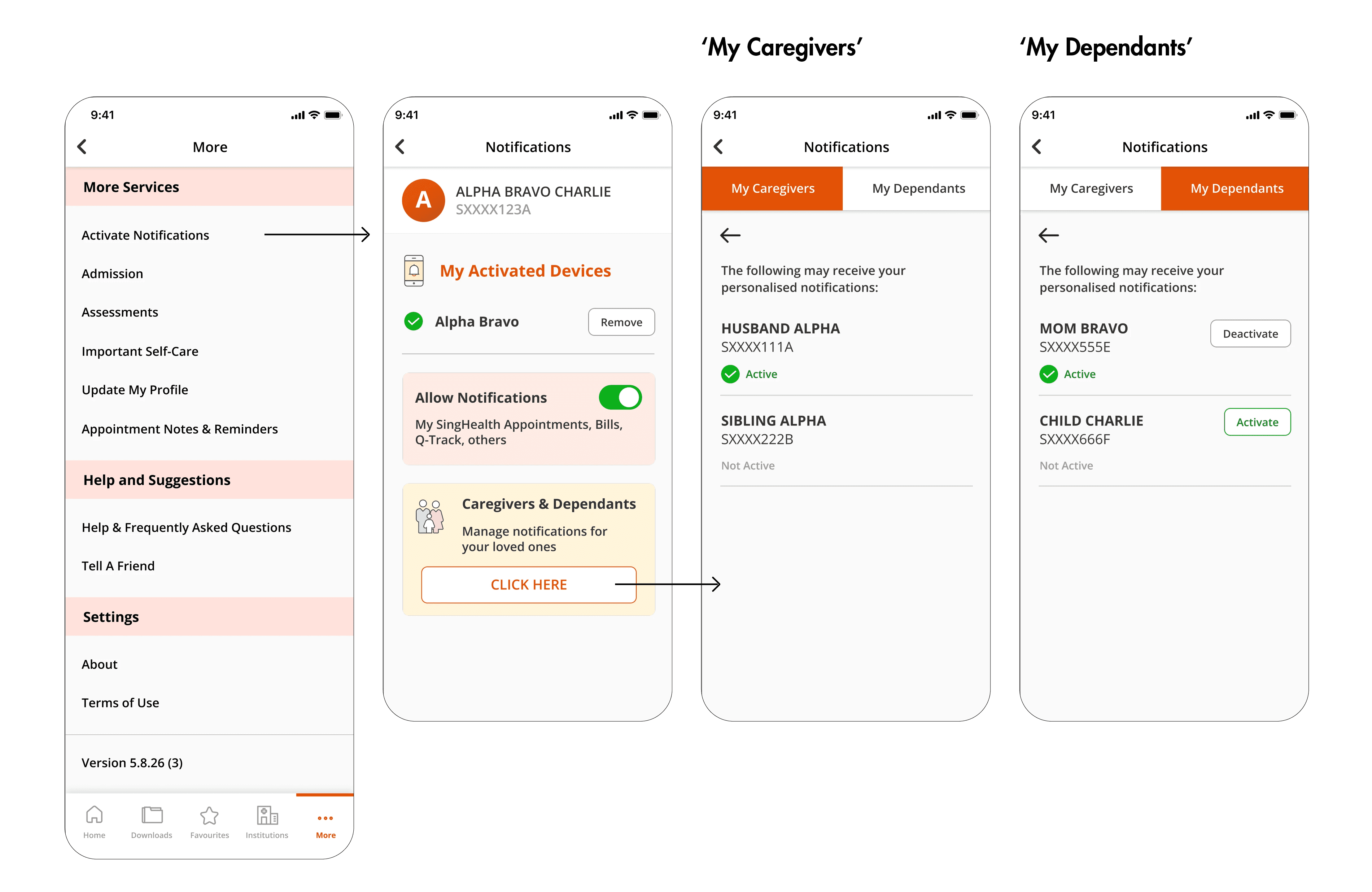
How users can activate to receive Notifications on behalf of a Dependant
In the current implemented process, the patient and caregiver have to approach a counter staff during their appointment and mention that they want to opt-in for the 'Patient/Caregiver' link. Staff will then activate link the the backend (OAS) system.
Once the backend link is done, Caregiver is able to see the list of dependants (vice versa) and activate to receive notifications on behalf of them through the app.
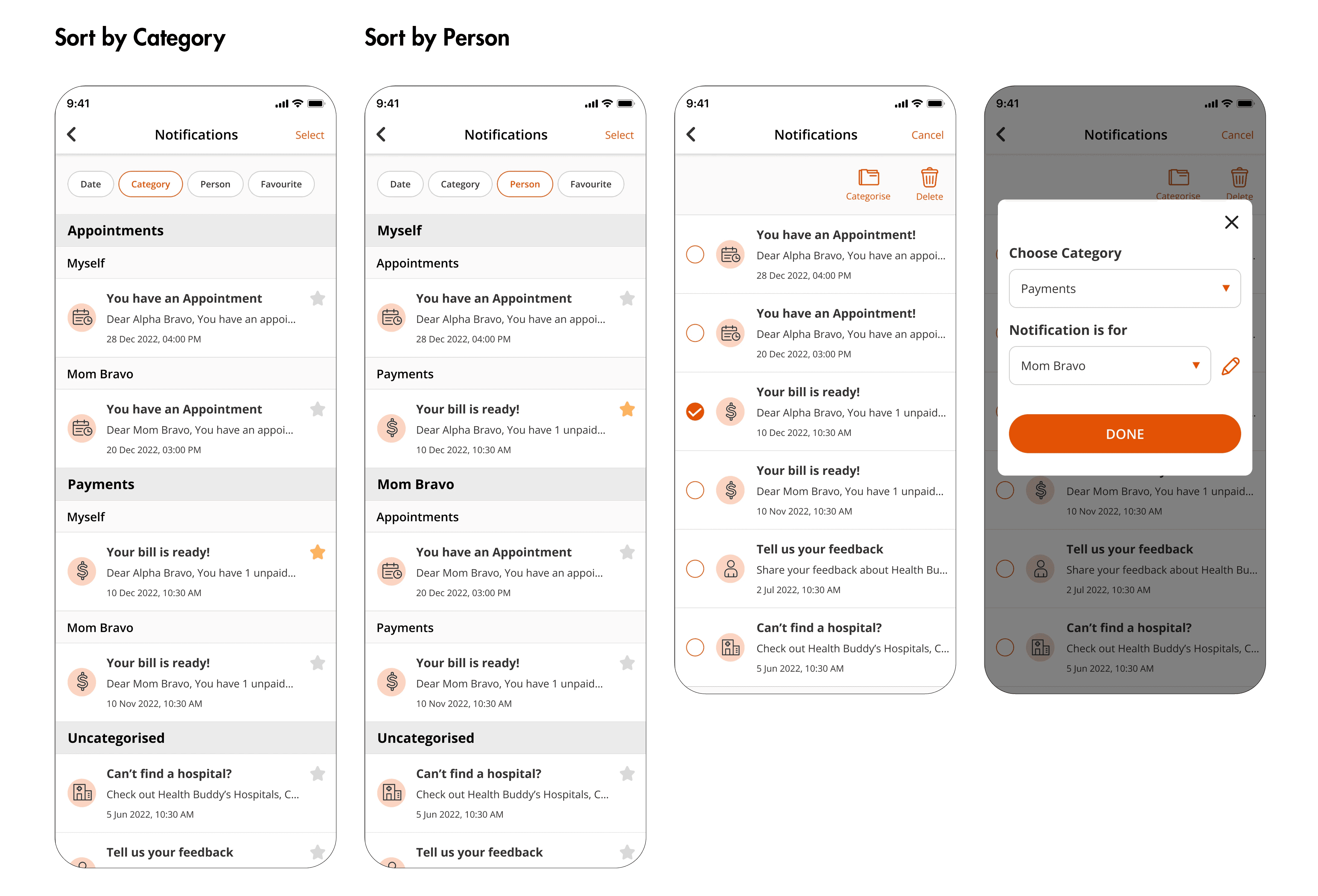
How users can categorize Notifications
Users are able to categorize their notifications by appointments, payments, bills as well as who the notification is for if they are receiving notifications for their dependants as well. This categorization helps users to better identify specific messages from SingHealth.
Strategies to encourage Opt-in
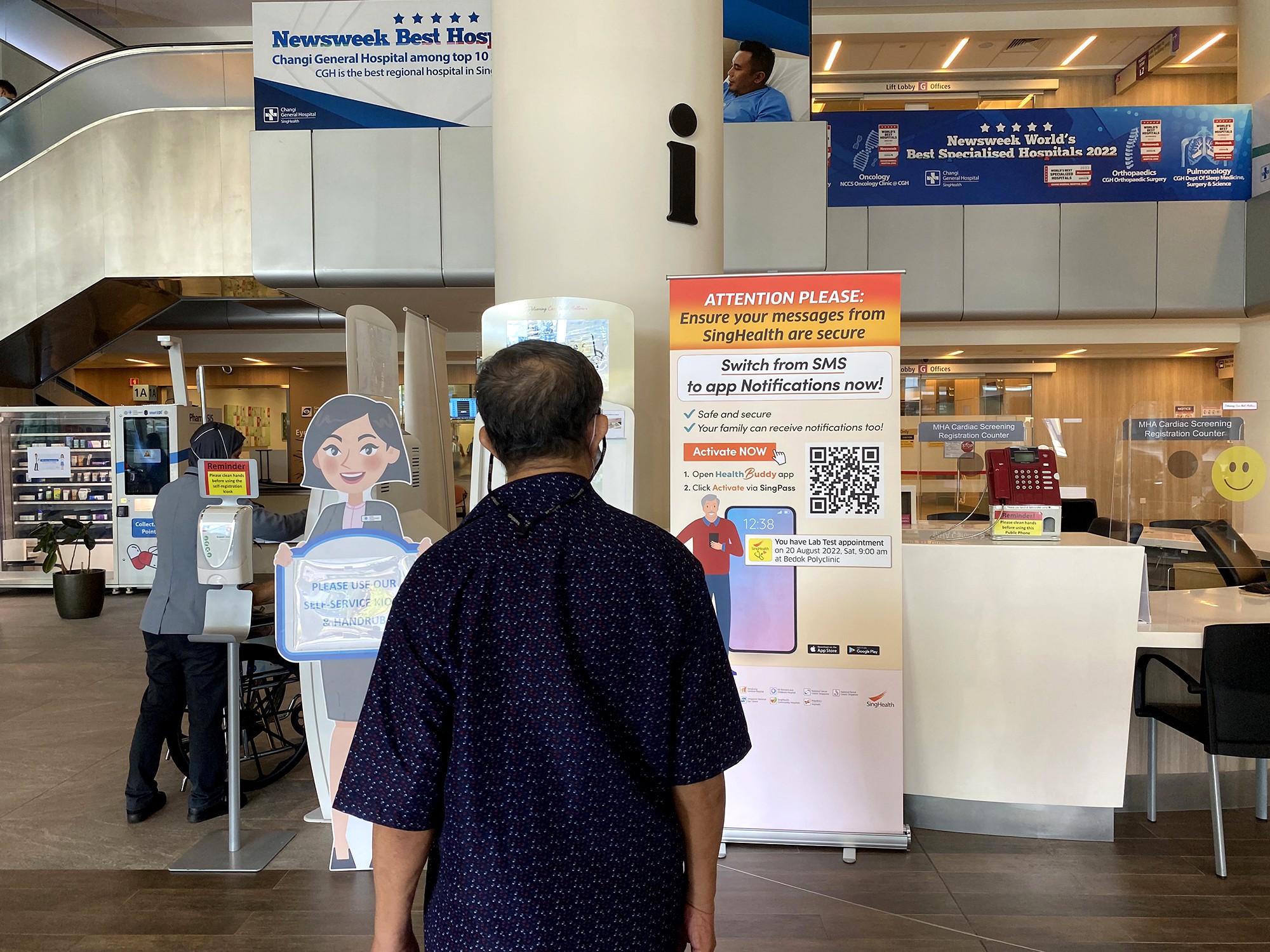
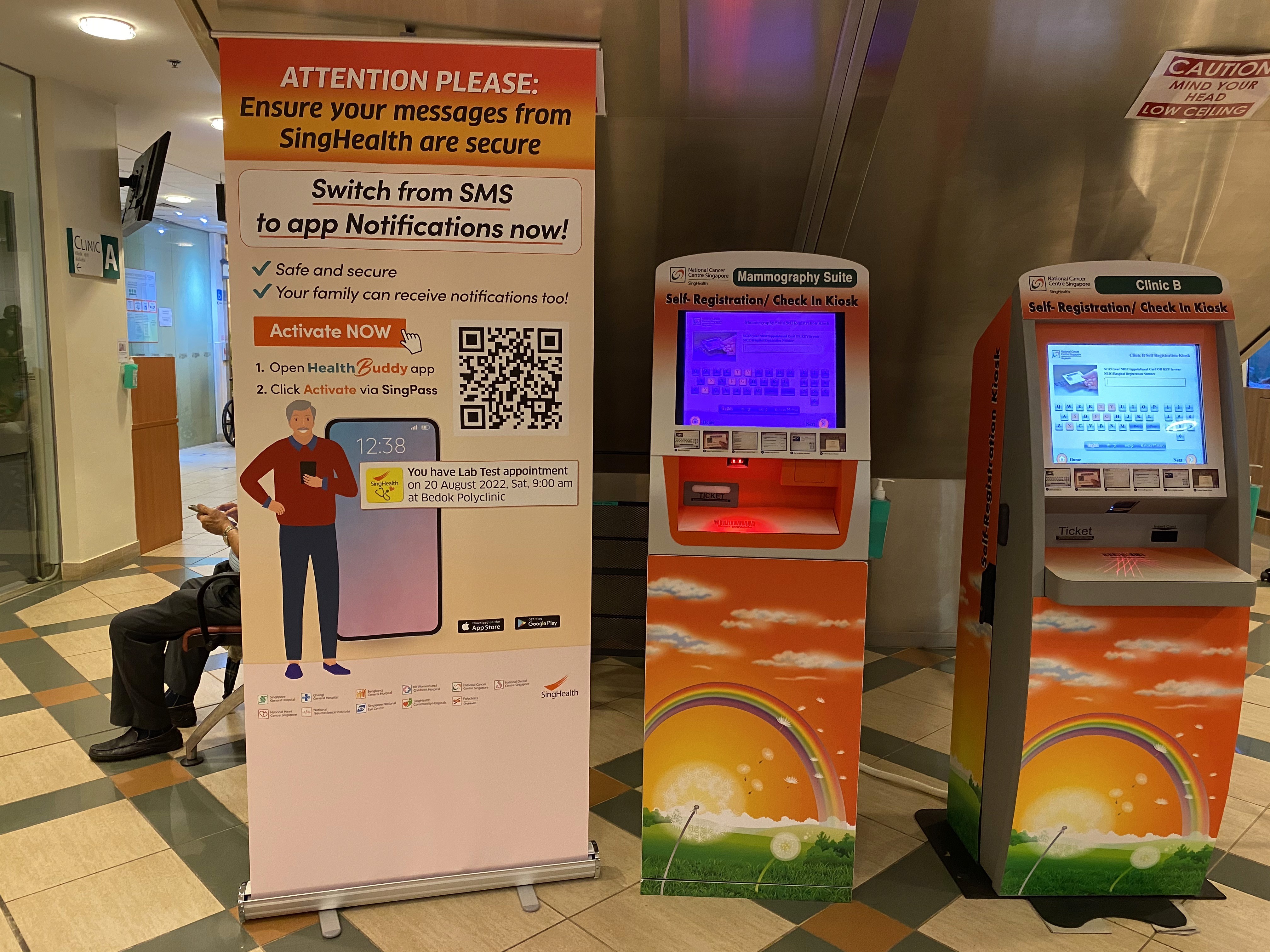
To create awareness of this SingHealth-wide initiative, the team employed various marketing strategies (pull-up banners, posters etc) to spread its reach amongst patients as well as internal staff of the organization.
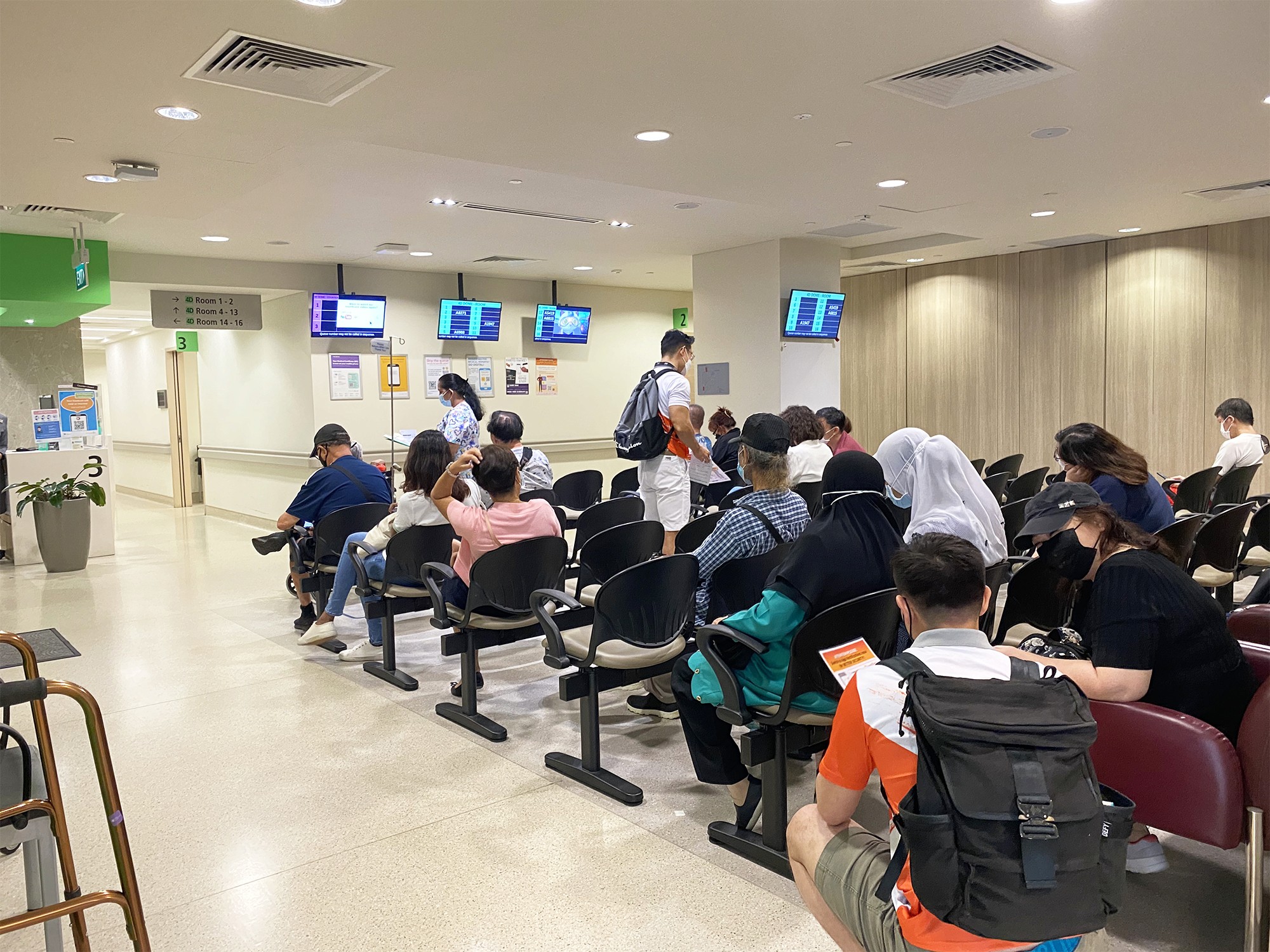
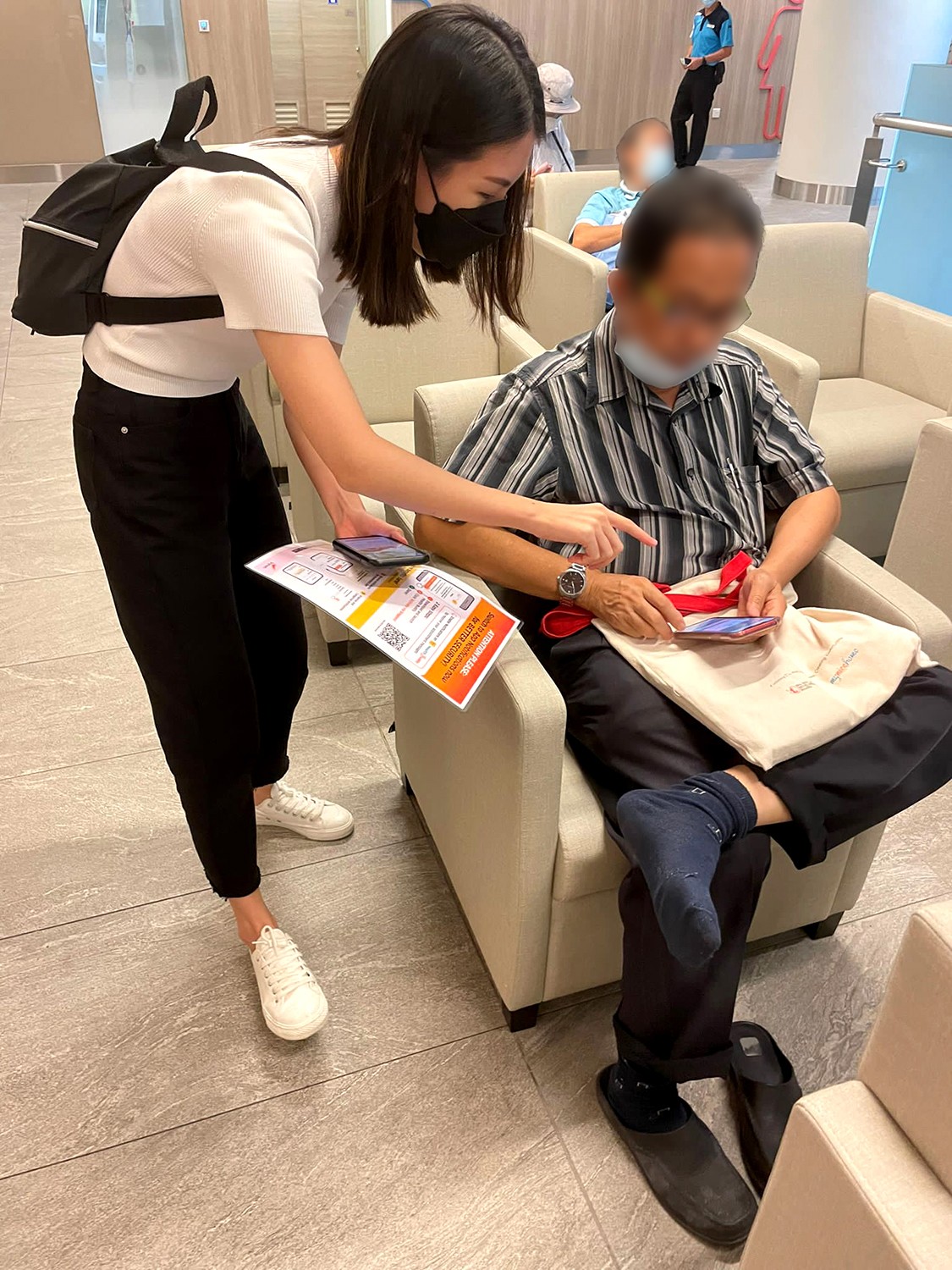
A few colleagues and I made a day trip down to Changi General Hospital & National Cancer Centre Singapore for onsite promotion.
Concluding thoughts
This is the first project in my time at SingHealth where I got to work with institution representatives across SingHealth hospitals and Business analysts to understand and create a seamless process from front-end design to back-end systems to facilitate the success of the 'Notifications' project. It truly takes cooperation from different divisions (marketing, operations, clinic staff etc) to spearhead a new initiative across the organization.